How to Make the Wassup Trend
Which photo goes to each dancer in Wassup In A Minute, and what the finished landscape clip includes.
 Christmas Dance AINovember 16, 20264 min read
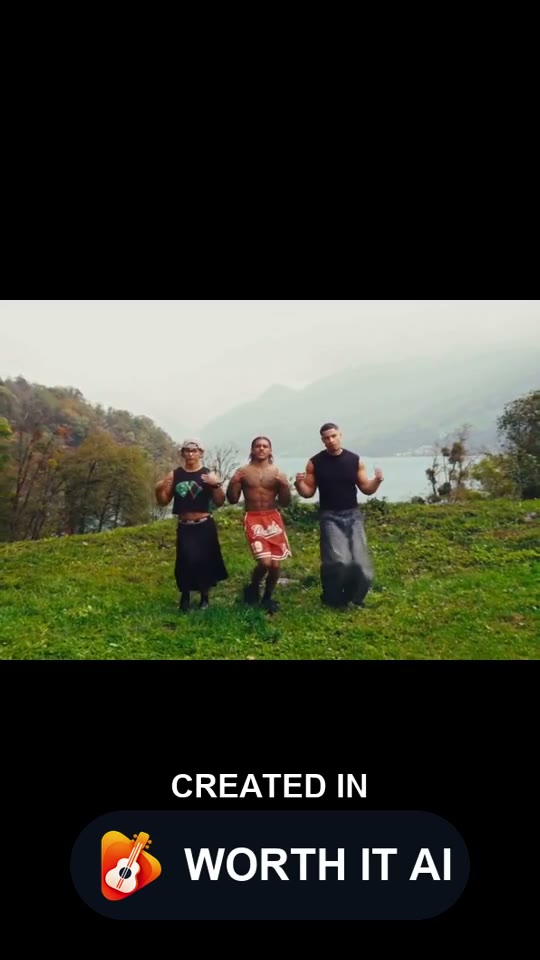
1. What this covers
The tool page makes the video. This page is the photo assignment: three adults, one for each opening position.
2. Before you start
In A Minute is the name of the dance. It is not a one-minute video, and it is not a promise about how long generation takes.
Photo 1 is the opening back-left dancer, photo 2 the center dancer who later comes forward, and photo 3 the front-right dancer. Each person keeps that role when the shot changes.
3. Steps
- 1
Photos
Use three different photos. One person per photo, face visible, no minors.
- 2
Setting
Pick a hillside setting. The dance stays the same, and so does the price at a given resolution.
- 3
Generate
Generate, then download the MP4 from your account. Samples on the page are watermarked. A paid download is not.
4. Length, format and credits
Photo count, length, shape and the opening credit cost come from the current template.
| Routine | Photos | Length | Format | Credits |
|---|---|---|---|---|
| Wassup In A Minute AI | 3 photos | 14s | 16:9 | 480p · 10 credits |