A tall elf hat
Show the hat from brim to tip and leave extra space above the head.
 Christmas Dance AI
Turn one adult photo into a festive AI Christmas elf dance video. Just upload your photo and generate.


One photo replaces the dancer in the reference clip.
Original setting requested.
6s · Reference audio · Vertical 9:16
This video needs 10 credits and you have 0. · Basic $9.99 USD · 0 credits left after this video
You need the right to use these photos. See our Terms of Service.
Photos go to a generation provider when you generate. See the privacy policy for photo storage and deletion. privacy policy
Photos go to a generation provider when you generate. See the privacy policy for photo storage and deletion.

Make a 6-second Christmas dance from one adult portrait. Show the clothes and accessories you want the model to see.
Original setting starts selected and keeps the reference room. Festive Stage, Toy Workshop, and Tree Corner request a different background.
This demo illustrates the solo elf dance. Details in your finished video can vary.
Upload one adult portrait. Include the hat or costume if you want those pieces in the video, and leave room around the body.
Explore the Pajama page for another outfit-led dance or use Winter Wonderland for a snowy scene.
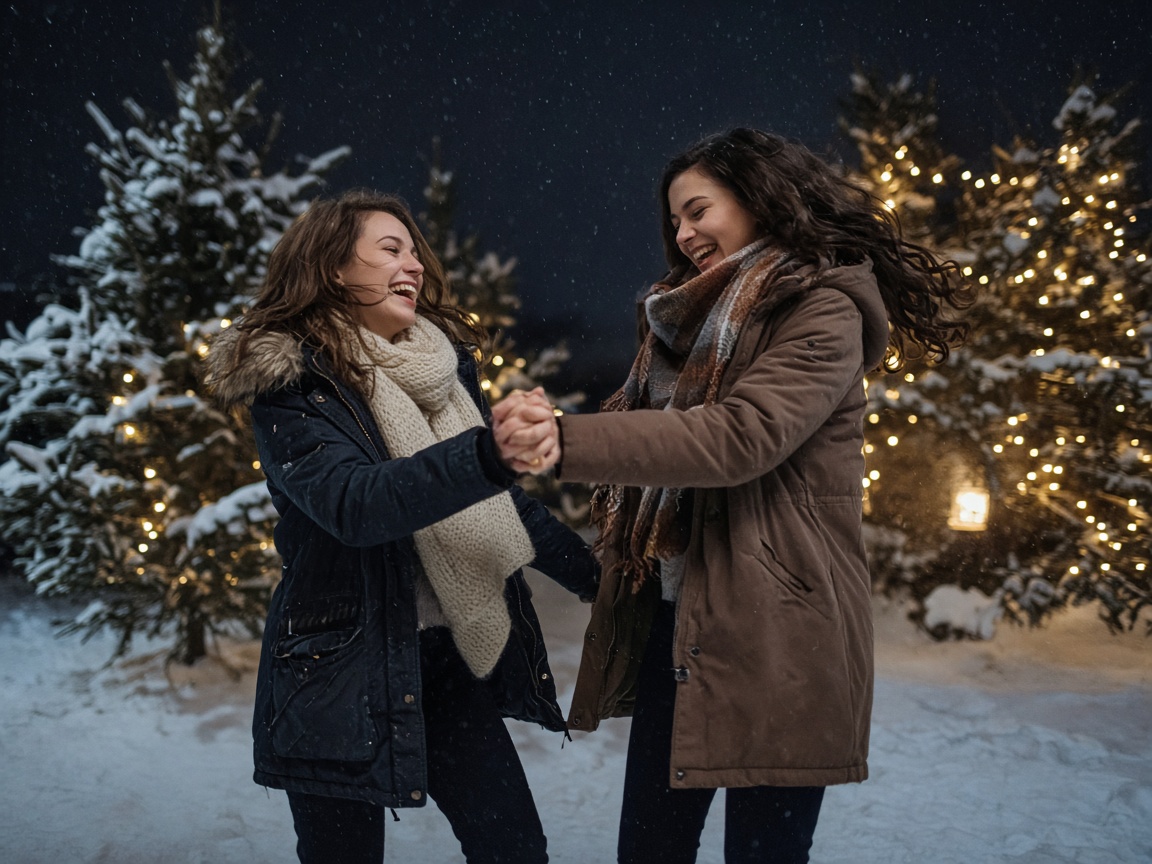
A two-person Christmas dance on a snowy street.
View page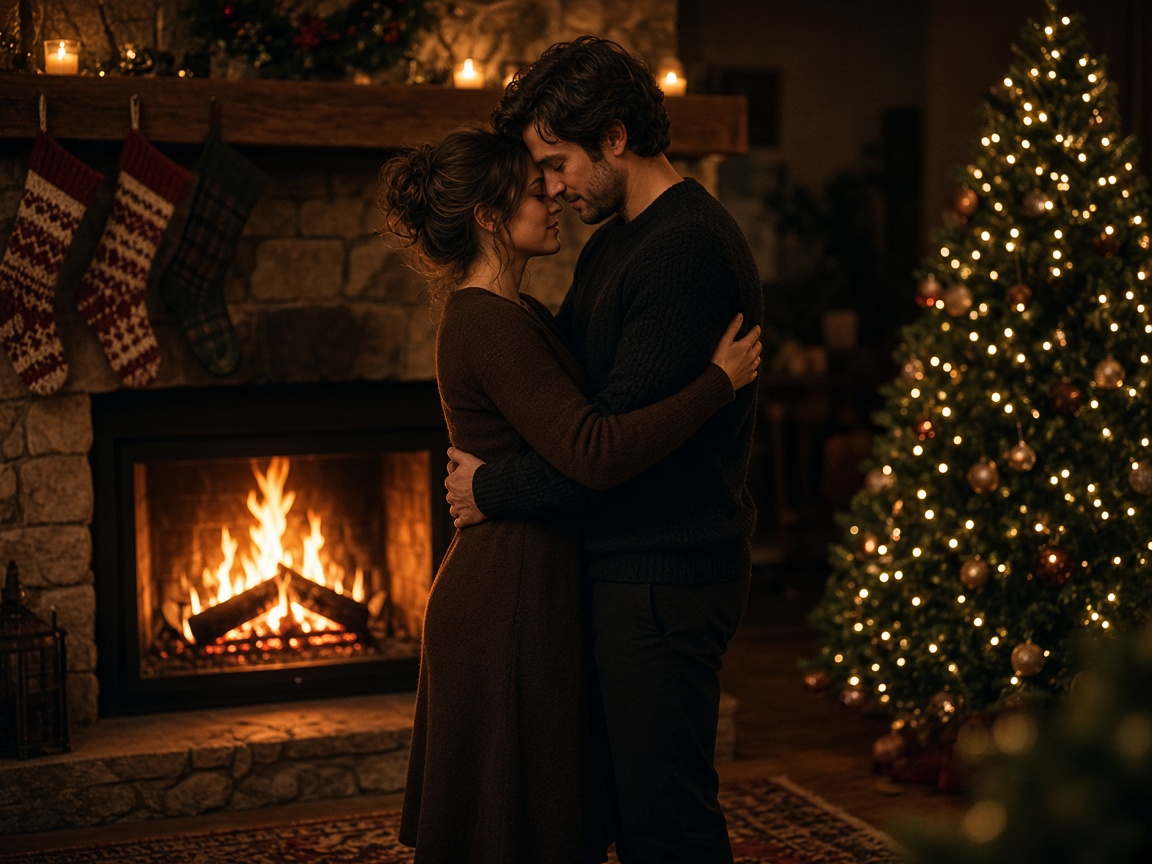
A Christmas duo for two partners from separate photos, with reference audio.
View page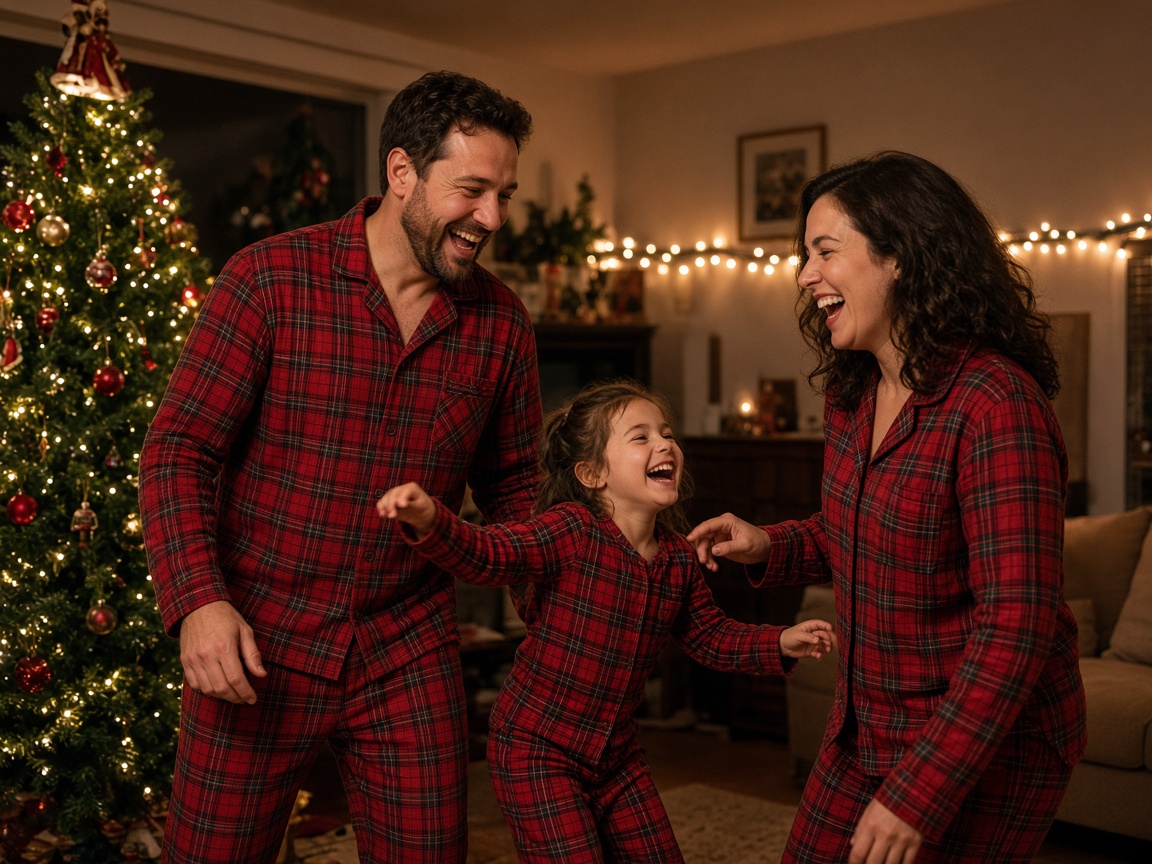
A two-person Christmas dance in your own holiday pajamas, with reference audio.
View pageAdd one portrait. Original setting keeps the reference room, and Festive Stage requests a holiday performance.
Add one clear adult portrait. Put the costume pieces you want to show in the picture.
Keep Original setting for the reference room, or choose Festive Stage, Toy Workshop, or Tree Corner. Check the credits for the chosen quality.
Sign in, confirm that this person agreed to appear, and review the credit cost. Your finished video will be in My videos.
Show the hat from brim to tip and leave extra space above the head.
Keep the red collar, green tunic, or striped sleeves visible in the photo.
Use one adult in a Santa hat if that is the look you want. Keep the face visible.
Include striped sleeves or a festive apron in the portrait and keep Festive Stage for the performance.
Each 6-second video uses 10 credits at 480p, 20 at 720p, or 40 at 1080p. The form starts at 480p.
Buy credits once. Higher resolutions use more credits. Unused credits stay in your account.
Basic
Up to 1 video at 480p
$9.99USD
Pro
Recommended
Up to 5 videos at 480p
$29.99USD
Premium
Up to 12 videos at 480p
$59.99USD
A confirmed technical failure returns the credits used. A new take uses credits again. Credit returns and payment refunds
Paid videos are available for up to 90 days. Download them before they expire.
Save the take you like after checking the hat, face, and visible clothing in My videos.
Download a 6-second 9:16 video without a Christmas Dance AI watermark.
The MP4 is silent. Add a track you have permission to use in your video editor or posting app.
Add your own holiday message in a video editor or send the clip directly to friends.
Wear the elf pieces in your source photo. The generation uses the clothes and accessories it can see.
Yes. This page takes one adult portrait and follows the one-person reference clip.
Original setting starts selected and keeps the reference room. Festive Stage requests string lights, red curtains, and a wooden stage.
Each 6-second video uses 10 credits at 480p, 20 at 720p, or 40 at 1080p. The form starts at 480p. Credit packs are one-time purchases and unused credits stay in your account.
A confirmed technical failure returns the credits for that job. Generating a new take uses credits again.
Use one file in JPG, PNG, or WebP format. Each prepared upload can be up to 12 MB.
We normally clear photos from our storage within 48 hours. Pending jobs can take longer. Generation providers apply their own data policies. Download your paid video within 90 days.

Upload one adult portrait and follow this Christmas dance.
Start My Elf Dance