 Christmas Dance AI
Friends Shoulder Carry AI Video
Turn two photos of you and your best friend into a funny Shoulder Carry AI video. Recreate the viral shoulder-carry move together without filming.
I'm the One · Shoulder Carry AI Trend
Recreate the viral I'm the One shoulder carry trend using two photos. Turn yourself and a friend or partner into a 9.1-second vertical AI video—no physical lifting, filming, or CapCut editing needed.
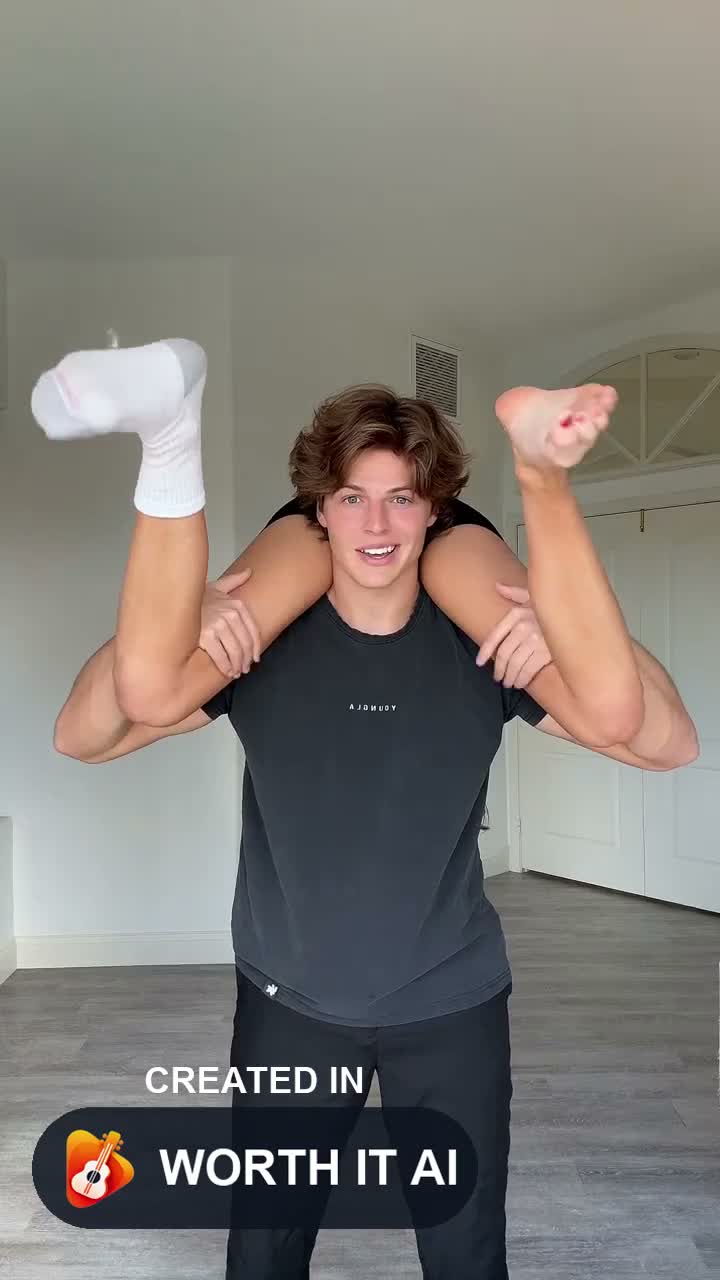
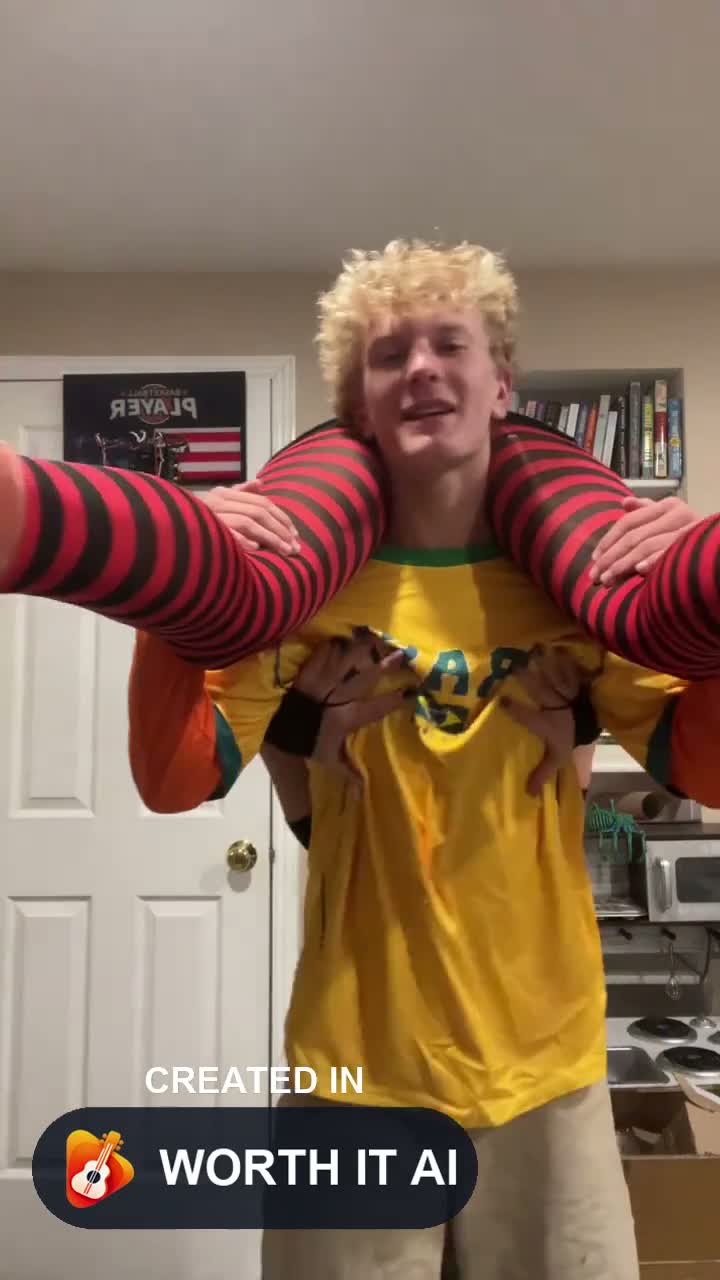
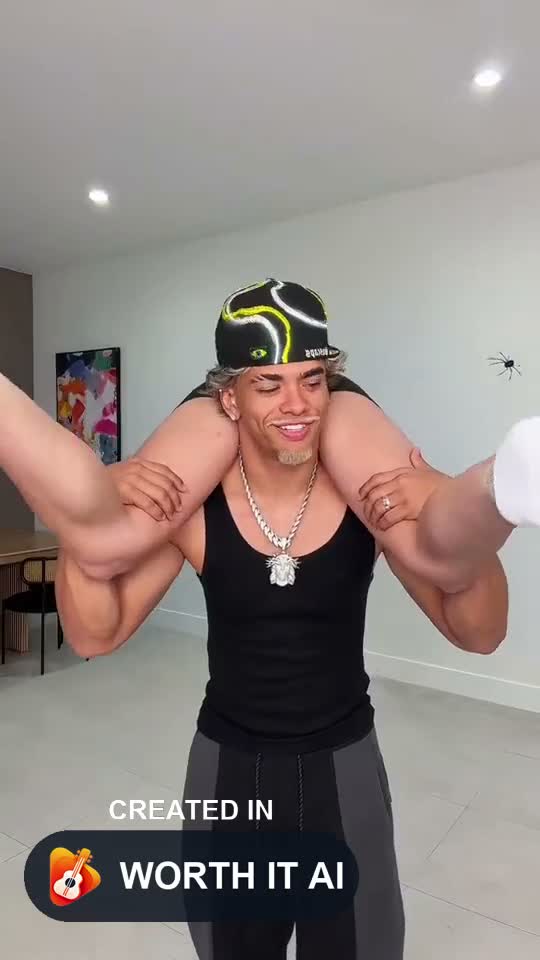
Shoulder Carry
Photo 1 is the standing carrier. Photo 2 is the person on the shoulders.
Original white-room setting · Original audio
9.07s · Audio de referencia · Vertical 9:16
Todas las calidades usan un vídeo de referencia sin sonido. El audio original se añade al final. Los movimientos, expresiones y labios pueden variar.
Este video pide 10 créditos y tienes 0. · Basic $9.99 USD · Quedan 0 créditos después de este video
Necesitas permiso para usar estas fotos. Consulta los Términos del servicio.
Al generar el video, enviamos las fotos a un proveedor de IA. Consulta la política de privacidad para saber cómo se guardan y eliminan. privacidad
Al generar el video, enviamos las fotos a un proveedor de IA. Consulta la política de privacidad para saber cómo se guardan y eliminan.
No free preview. Confirmed failed generations return the credits used. For a technical issue with a finished video, request a review. Refund and review options · How to make this · Watch the sample
The viral shoulder carry trend
Shoulder Carry AI is an AI video generator that turns two photos into a viral shoulder-carry duo video. Inspired by the popular shoulder-carry trend, the video shows one person carrying another across their shoulders, turning, and bringing them toward the camera.
Upload two photos to recreate the shoulder-carry performance with your own characters. The AI generates a vertical video with the signature movement and camera perspective—no filming or video editing required.
Turn two photos into a viral Shoulder Carry AI video. Watch your characters recreate the signature shoulder-carry move, with one person lifting the other, turning, and bringing them toward the camera. No filming or editing required.
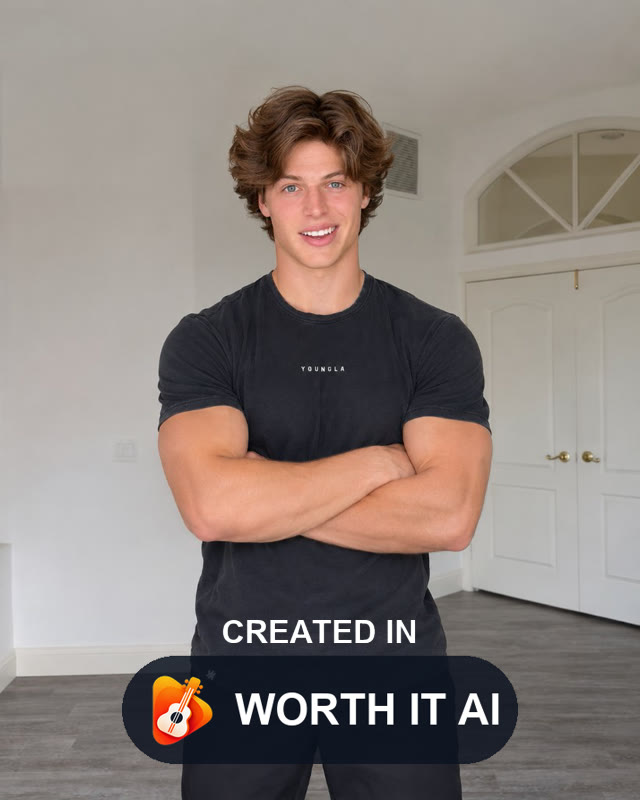
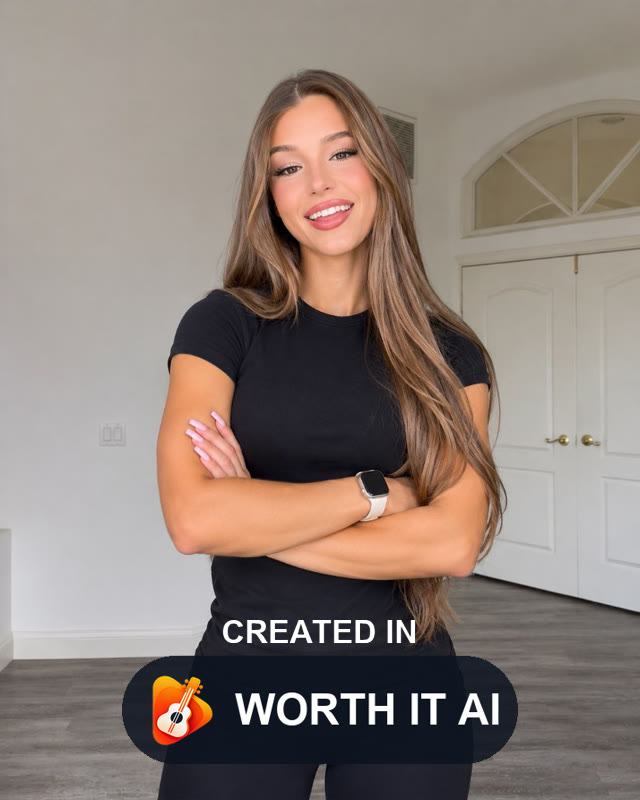
Christmas Dance AI sample — not a customer submission
Create your own viral Shoulder Carry AI video in three simple steps. Upload two photos, recreate the signature shoulder-carry move, and generate your video—no filming or editing needed.
Upload one clear photo of the person carrying and another of the person being carried. Use well-lit photos with visible faces for the best results.
Recreate the viral shoulder-carry movement with your own characters. The AI follows the reference action, including the shoulder lift, turning motion, and camera-facing pose.
Generate your Shoulder Carry AI video, preview the result, and download the finished vertical clip to share on TikTok, Instagram Reels, or YouTube Shorts.
Turn two photos of you and your best friend into a funny Shoulder Carry AI video. Recreate the viral shoulder-carry move together without filming.
Create a playful Shoulder Carry AI video featuring you and your partner. Watch your characters recreate the signature lift and turn.
Bring two siblings together in a hilarious AI shoulder-carry performance. Turn separate photos into one fun duo video.
Pair two unexpected people in a viral Shoulder Carry AI video. See them recreate the shoulder-carry movement for a funny surprise.
Pro: 5 originales estándar por $29.99, una vez. Unos $6.00 cada uno.
Shoulder Carry is 9.1 seconds and is billed at 10 seconds. It opens at 480p for 10 credits. 720p is 20. 1080p is 40. Every setting uses this price. There is no separate song mode.
Básico
Hasta 1 video en 480p
$9.99USD
Pro
Recomendado
Hasta 5 videos en 480p
$29.99USD
Premium
Hasta 12 videos en 480p
$59.99USD
Un video de Shoulder Carry empieza en 10 créditos. Los precios de las tarjetas son para un original estándar de 10 créditos.
One reference performance, two roles and the original audio. Changing the room does not change the price.
| Modelo | 480p | 720p | 1080p |
|---|---|---|---|
| Pro · Seedance 2.0 | 10 créditos | 20 créditos | 40 créditos |
The Shoulder Carry I'm the One trend is a viral TikTok video style where one person carries another across their shoulders, turns, and reveals the carried person toward the camera. The trend is associated with the "cause I'm the one" audio hook. Christmas Dance AI lets you recreate a similar shoulder-carry performance using two photos instead of filming the move yourself.
The Shoulder Carry AI filter is a popular name for an AI effect that turns photos into a shoulder-carry video. Christmas Dance AI provides a browser-based Shoulder Carry AI generator where you upload two individual photos, select a setting, and create a short video featuring the signature carry, turn, and camera-facing movement.
Open the Shoulder Carry AI generator on Christmas Dance AI. Upload two photos, with Photo 1 showing the carrier and Photo 2 showing the person being carried. Choose a background and video quality, then generate your 9.1-second vertical video. Once it is ready, preview and download the MP4.
No. The current generator uses two separate photos, one for each person. Some shoulder-carry AI effects offer a single-photo option, but this generator does not. Upload one clear photo of each adult to control who carries and who gets carried.
No. A CapCut template is part of CapCut's editing workflow, while Christmas Dance AI is an independent browser-based AI video generator. Christmas Dance AI uses a preset shoulder-carry action, but you don't need to install CapCut or manually edit the movement. The current generator uses two photos.
You can recreate the Shoulder Carry trend directly on Christmas Dance AI. Upload two photos, choose one of the available backgrounds and a video resolution, and generate the clip online. No CapCut installation, manual keyframes, or physical shoulder-carry performance is required.
Photo 1 is the carrier, the person standing and holding the other person across their shoulders. Photo 2 is the carried person. Make sure you upload your photos in the correct order before generating, since the two positions determine the roles in the video.
Yes. Couples can upload one photo of each consenting adult and create a shared shoulder-carry video. The AI generates the movement without requiring either person to perform a real lift. You can also use the generator with friends or other consenting adults.
Use two clear, well-lit photos with one adult in each image. Photos with visible faces, natural expressions, and minimal filters generally provide better identity references. Avoid blurry images, heavily obscured faces, and photos you do not have permission to use.
Yes. Christmas Dance AI currently supports Original White Room, Bedroom, Bright Hallway, and Living Room settings. Choose a background before generating your video. The AI maintains the shoulder-carry action while adapting the scene, although visual details may vary.
Many Shoulder Carry trend videos use audio associated with the "cause I'm the one" hook, but individual TikTok edits may use different versions or remixes. Christmas Dance AI separates audio from its reference performance, so you don't need to upload music separately. Check the audio's licensing terms before commercial use.
Christmas Dance AI currently generates a 9.1-second video in vertical 9:16 format. It is billed at 10 seconds without stretching the finished performance. Available output qualities include 480p, 720p, and 1080p. The vertical format is suitable for TikTok, Instagram Reels, and YouTube Shorts.
Christmas Dance AI currently uses a paid credit system and does not offer a free preview for this generator. A 480p video costs 10 credits, 720p costs 20 credits, and 1080p costs 40 credits. The smallest one-time pack contains 10 credits for $9.99. You can see the required credits before generating.
If Christmas Dance AI confirms that a generation attempt failed, the credits charged for that attempt are returned to your account balance. If a completed video has a technical problem, you can contact support for review. Differences in facial resemblance, movement, or creative appearance do not automatically qualify for a refund.
Recreate the viral I'm the One shoulder carry trend using two photos. Turn yourself and a friend or partner into a 9.1-second vertical AI video—no physical lifting, filming, or CapCut editing needed.
Create Shoulder Carry AI Video