Friends
Two friends who were not in the same photo.
 Christmas Dance AI
Turn photos of two adults into your own AI Christmas dance video. Choose a festive scene, upload, and generate.


Add one photo per adult. The slots map to the left and right dancers.
Original setting requested.
14.33s · Reference audio · Vertical 9:16
This video needs 10 credits and you have 0. · Basic $9.99 USD · 0 credits left after this video
You need the right to use these photos. See our Terms of Service.
Photos go to a generation provider when you generate. See the privacy policy for photo storage and deletion. privacy policy
Photos go to a generation provider when you generate. See the privacy policy for photo storage and deletion.


Use one portrait of each consenting adult to make a vertical dance of about 14.33 seconds. The finished MP4 includes the kitchen reference audio.
The kitchen clip guides the steps and timing. Choose a different setting to change the scenery. The example portraits and demo illustrate the workflow.
Use one photo per person. They do not need to be in the same picture.
Choose a dance page by setting, outfit or the number of people you want to feature.
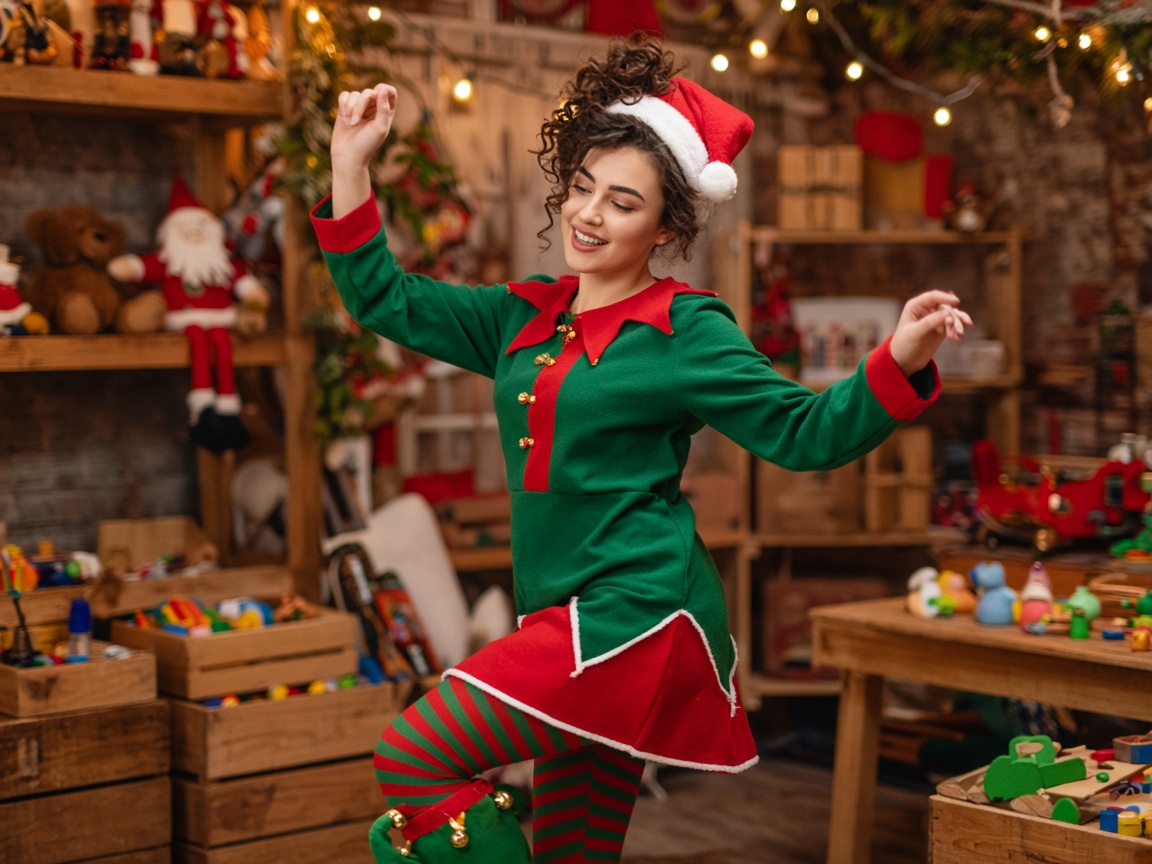
A one-person elf dance using your photo and visible costume.
View page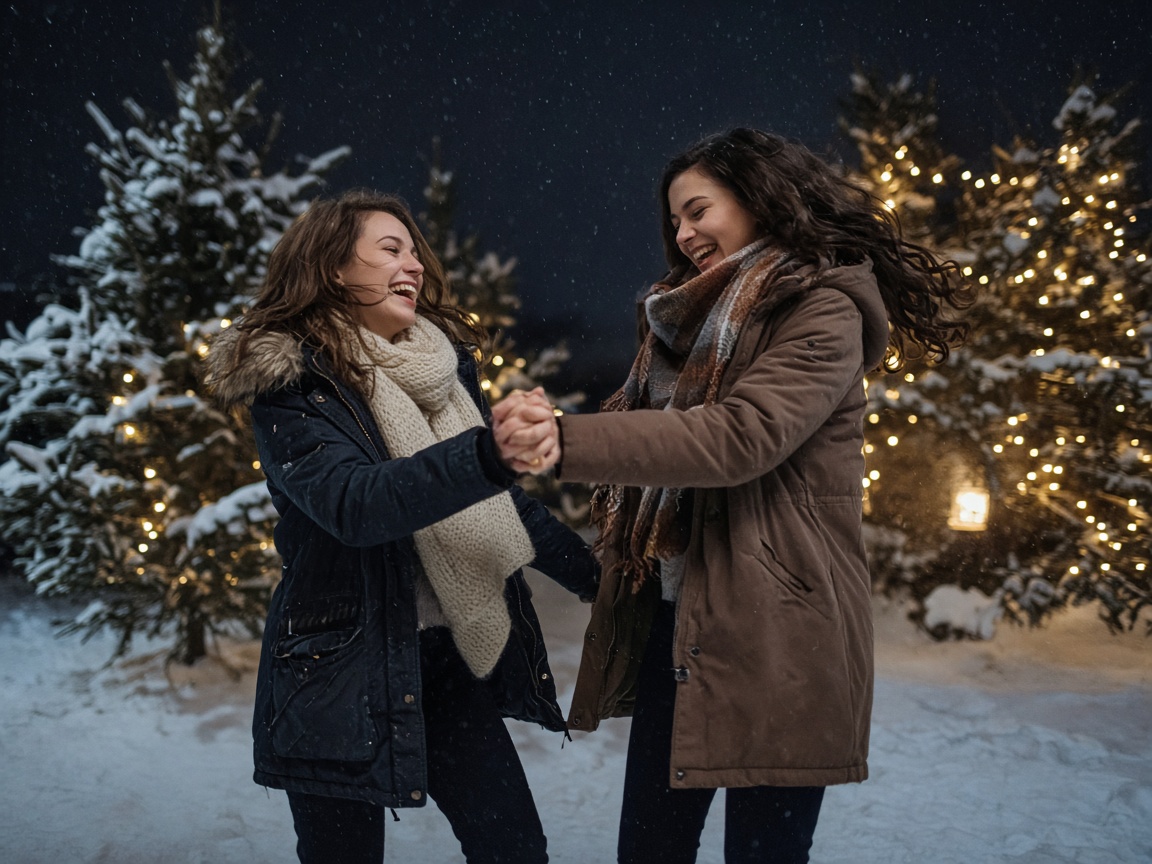
A two-person Christmas dance on a snowy street.
View page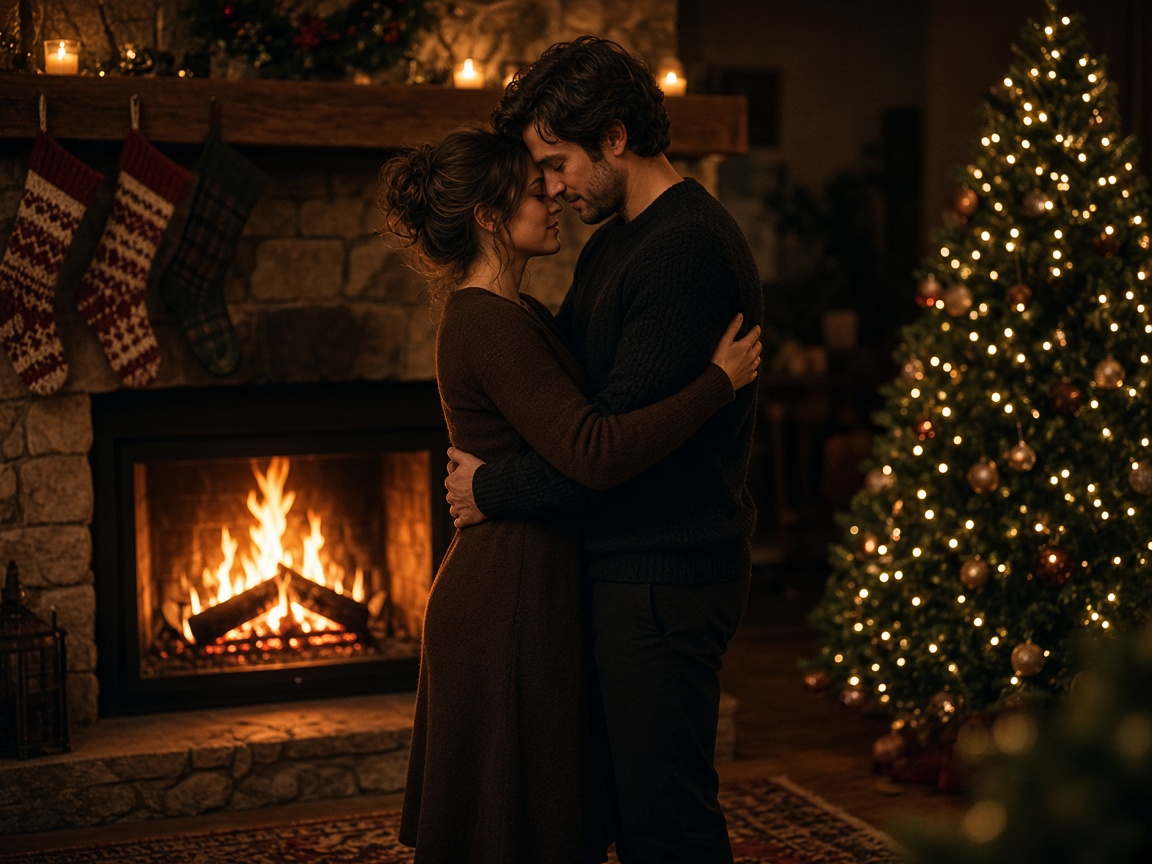
A Christmas duo for two partners from separate photos, with reference audio.
View page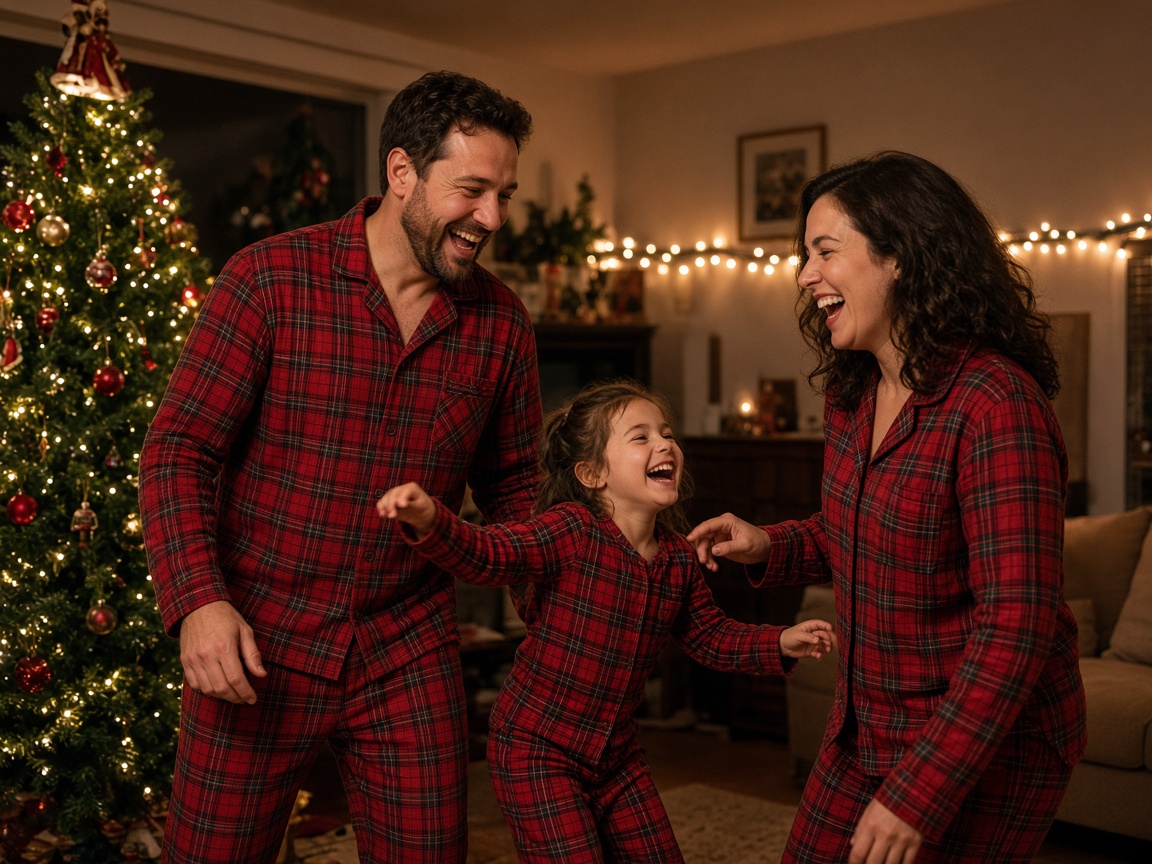
A two-person Christmas dance in your own holiday pajamas, with reference audio.
View pageUpload the photos, choose the quality, and generate.
Add one consenting adult per photo. The first dancer starts on the left and the second starts on the right.
Start at 480p for 10 credits, or choose 720p for 20 or 1080p for 40.
Sign in and confirm photo consent. Follow the task in My videos and download the MP4 when it is ready.
Two friends who were not in the same photo.
Two adult relatives can use separate photos with their permission.
One photo of each person.
Photos from any day. The length stays the same.
Buy credits once. Higher resolutions use more credits. Unused credits stay in your account.
Basic
Up to 1 video at 480p
$9.99USD
Pro
Recommended
Up to 5 videos at 480p
$29.99USD
Premium
Up to 12 videos at 480p
$59.99USD
A confirmed technical failure returns the credits used. A new take uses credits again. Credit returns and payment refunds
Paid videos are available for up to 90 days. Download them before they expire.
Your two photos are the people in the video.
Paid videos download as an MP4, without this site's watermark.
The download includes the sound from the kitchen clip. Check the permissions for the audio before sharing.
A failed try returns the credits.
A short Christmas dance using one photo from each of two consenting adults.
Add one clear photo per person, check the credits, and generate.
No. It runs in the browser.
No. The form shows the credit cost first.
Yes. The download includes the audio from the kitchen reference. You still need permission to use that music.
Yes. One photo per person. They do not need to be taken together.
Use one adult per photo, with face and clothing visible. The form accepts JPG, PNG and WebP files up to 12 MB after preparation.
The first photo is for the left dancer and the second for the right dancer. Fill both slots.
The finished dance follows the fixed kitchen reference of about 14.33 seconds.
The reference guides movement and timing. Likeness, expressions and scenery can vary.
It depends on the queue. The status is in My videos.
480p uses 10 credits, 720p uses 20, and 1080p uses 40.
No. Buy credits once. Unused credits do not expire.
A paid video can be downloaded as an MP4. You need the right to use the photos.
A failed job returns the credits. Our storage normally clears uploads within 48 hours. Pending jobs can delay cleanup. The generation provider has its own policy. Paid videos are available for up to 90 days.